This is the sixth in a series of blog posts which looks at my experiences of building digital online courses. If you would like to read the introductory part in this series, click here: Moodle: Summer school pre-service training. An introduction
***
All lessons in each course have some text to introduce each theme followed by gist questions prior to any input. Some lessons have review questions or tasks embedded in HTML5 content to go over the most salient points while forums are there to give a voice to every participant. Arguably, this not only extends the input but also helps to solidify understanding as it requires active participation.

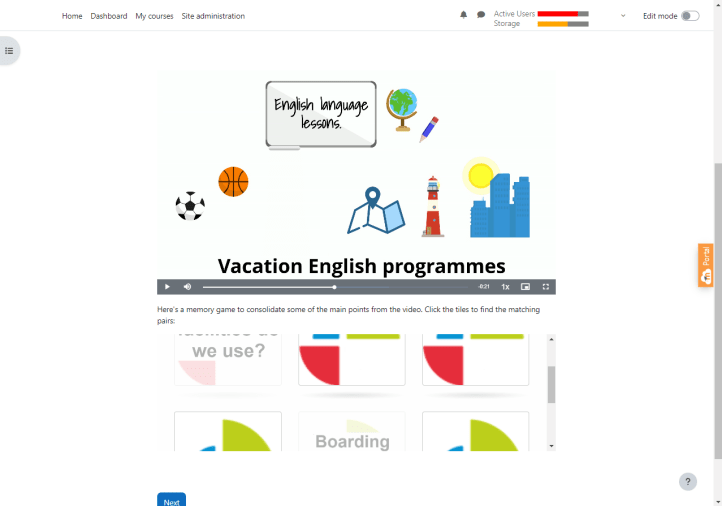
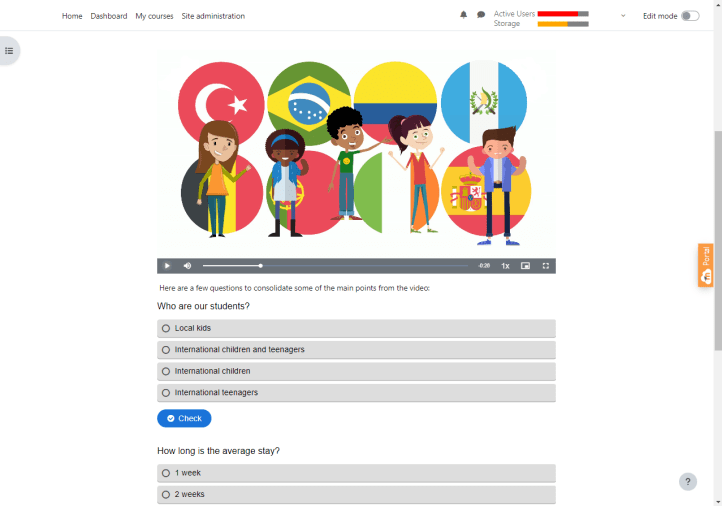
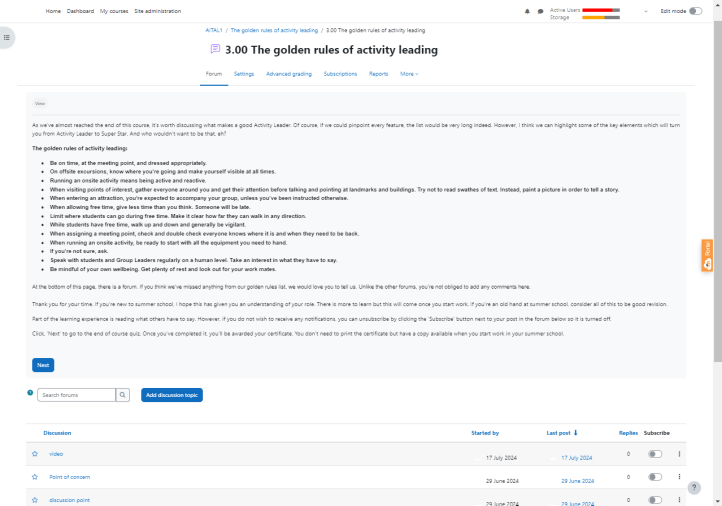
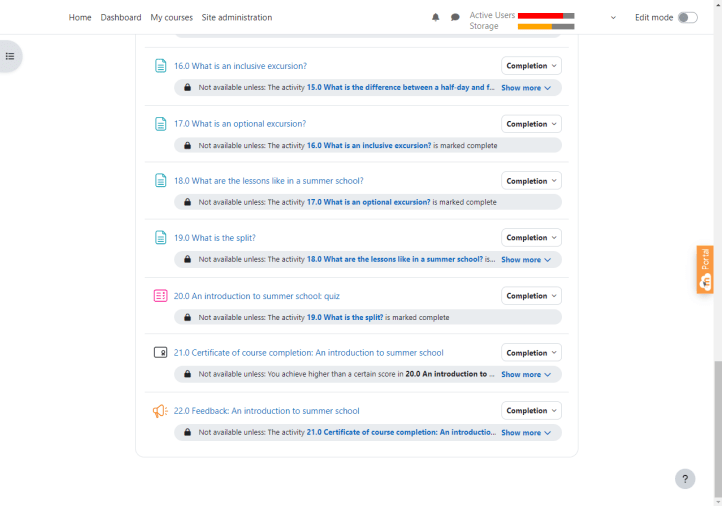
At the end of each course, there is a review quiz which grants access to an end of course certificate. On the subject of access, I initially set the parameters that all participants needed to mark each section complete before moving to the next part. I later changed this as there was nothing stopping someone skipping over the main content and going directly to the end of course certificate. Instead, I restricted access, forcing participants to complete one section at a time, and in some circumstances add comments in forums, or achieve a pass grade in a quiz before being allowed access to the next section.
Understanding what participants think is vital. Feedback allows us to analyse the efficacy of each course and know what needs to be corrected, removed, or added to improve the content for next time. When designing questionnaires for each course, I gave four statements with the option to say, Strongly agree, Agree, Neither agree or disagree, Disagree, or Strongly disagree.
I improved my understanding of summer school.
I found the activities engaging.
I found this Moodle platform easy to use.
I enjoyed the learning experience.
At the end of each questionnaire, there is a text box with this prompting question:
Is there anything else you would like to say?
Having four prompts with simple responses allows data to be analysed in a chart form while allowing participants to give a qualitative response provides opportunities to highlight errors or concerns. A number of participants brought to my attention that one of the questions in one of the end of course quizzes was wrong. Had this not been pointed out, it would not have been noticed.

All videos were built using Powtoon, animation software I have used a number of times in the past. Although there is a learning curve, it’s relatively easy to get going and learn as you go along.
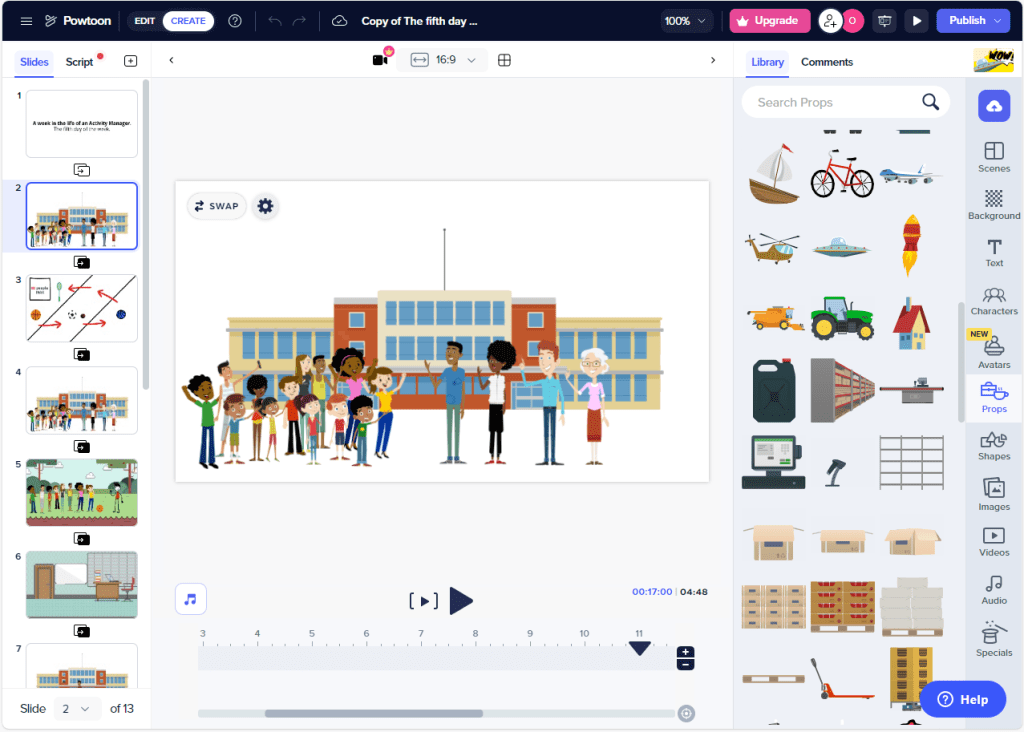
All voiceovers were built using murf.ai. Like with Powtoon, Murf isn’t especially difficult to use. This software was new to me but getting the hang of how to use it was relatively quick.

Moving forward, there is work to be done; not only editing the content that is already there (feedback has been valuable in gaining an insight into what needs to be done) but adding further courses so there are learning materials for all summer school roles. An introduction to summer school administration should be divided up to create courses specific to Welfare Officers, Halls Managers, and Centre Managers. While the conspicuous absence of anything related to teaching, highlights the need for materials aimed at Teachers and those who manage teaching departments such as Directors of Studies.
Possible ideas for course content aimed at academic managers:
- Teacher induction.
- Student induction.
- Testing.
- Marking speaking and writing.
- Classing.
- Collapsing classes.
- Delivering INSETT.
- Observing teachers.
- Knowing the product: cascading ideas and manipulating materials to maximise student collaboration.
- Creating the split.
- Preparing student reports and certificates.
Possible ideas for course content aimed at Teachers:
- The teaching product.
- Creating a language rich environment.
- Exploiting materials to maximise student collaboration.
- Interaction patterns.
- Feedback: teacher feedback – hot and cold, non-linguistic feedback; peer feedback; whole lesson review.
- Task language.
- Success criteria.
- Translanguaging.
- Differentiation.
- Plan, do, and review.
- Special Educational Needs (SEN)
Thank you for reading this series of blog posts. There is more work to be done – this is work in progress – so expect updates at some point in the future.
Interested in other summer school related tools and topics? Click here: Summer school ideas.
Want to support this channel? You could buy me a coffee!

 EFL Summer School
[…] Click here to read the next part in this series: Moodle: Summer school pre-service training. Administration and digital content […]
LikeLike
[…] Moodle: Summer school pre-service training. Administration and digital content […]
LikeLike